

Automated bank reconciliation is the process of using software to match bank statements with internal accounting records. It eliminates manual data entry and identifies discrepancies instantly. This automation reduces human error and frees up accounting staff to focus on strategic analysis rather than repetitive matching tasks.
The Core Mechanics of Automation
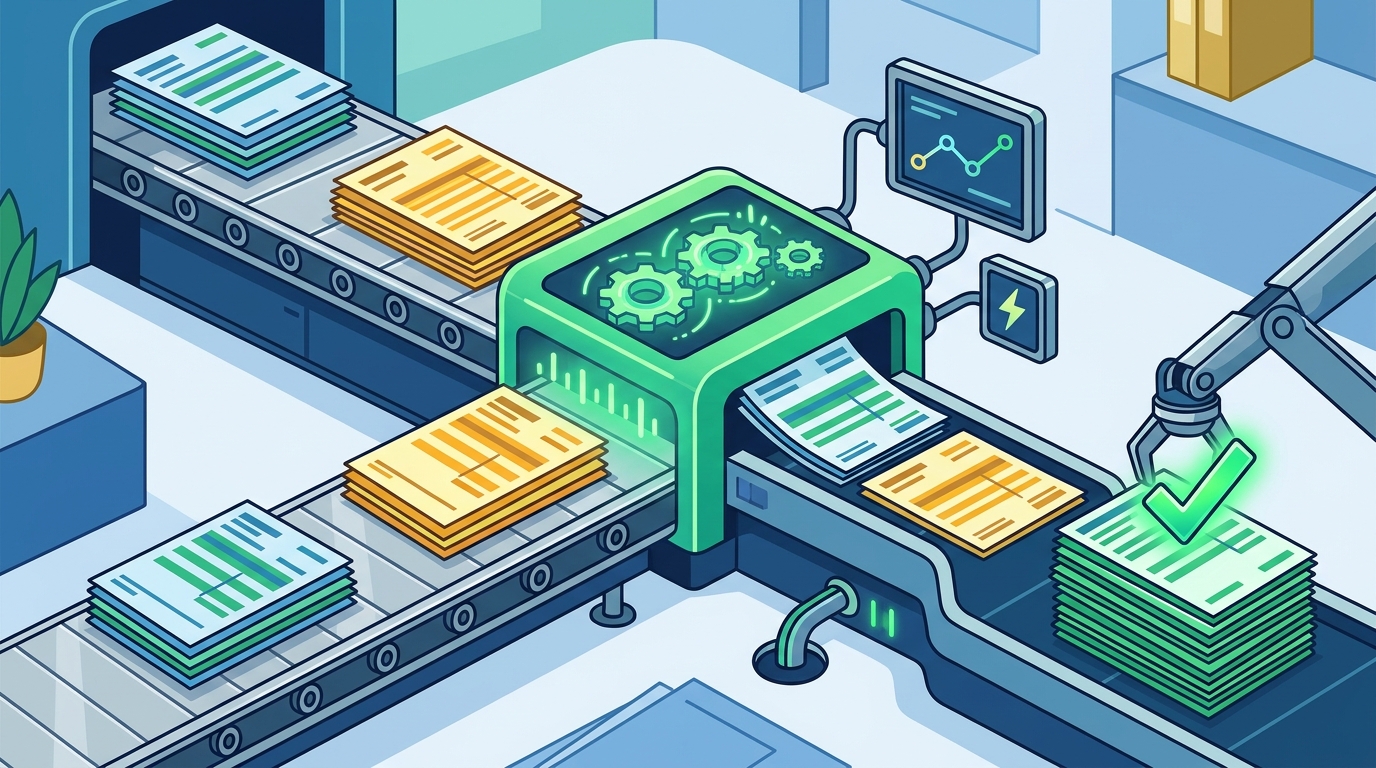
Traditional reconciliation requires an accountant to manually compare every line item on a bank statement against the general ledger. This process is slow and prone to fatigue-induced errors. Automated systems use algorithms to match transactions based on amount, date, and reference numbers. When a match is found, the software updates the ledger automatically. This mechanism ensures that the cash balance in your books always reflects reality.
For a growing business, the volume of transactions can be overwhelming. A single day might generate hundreds of deposits and payments. Manual review of this volume is inefficient. Automation handles the high-volume, low-complexity transactions instantly. It flags only the items that require human judgment. This shift changes the workflow from a daily grind to a targeted review process.
Eliminating Data Entry Errors
Human error is the primary risk in manual accounting. Typos in amounts or misclassified accounts can distort financial reports. Automated reconciliation reduces this risk by removing the need for manual keying. The software pulls data directly from bank feeds. This direct connection ensures that the numbers in your system match the bank exactly. It creates a single source of truth for cash data.
Accelerating the Close Process
The month-end close is a critical period for any business. It requires accurate data to produce reliable financial reports. Manual reconciliation often delays this process. Accountants spend days matching transactions before they can close the books. Automation compresses this timeline significantly. By reconciling transactions in real-time, the month-end close becomes a review rather than a catch-up exercise.
A faster close provides better visibility into business performance. Owners can see their financial position earlier in the month. This early visibility allows for quicker decision-making. If cash flow is tighter than expected, management can act immediately. They can adjust spending or accelerate collections. This agility is a direct benefit of automated reconciliation. It transforms accounting from a historical record into a real-time management tool.
Enhancing Cash Flow Visibility
Cash flow is the lifeblood of any growing company. Understanding where money is coming from and going to is essential. Automated reconciliation provides a clear view of cash movements. It categorizes transactions accurately as they occur. This categorization helps in forecasting future cash needs. It allows businesses to anticipate shortfalls before they happen.
For example, a business might see a pattern of large vendor payments due on specific days. With automated reconciliation, this pattern is visible in real-time. The finance team can plan for these outflows. They can ensure sufficient cash is available. This proactive approach prevents liquidity crises. It supports sustainable growth by maintaining healthy cash reserves.
Integrating with Cloud Accounting
Cloud accounting platforms are the natural home for automated reconciliation. These platforms connect directly with banks and payment processors. They provide a unified view of all financial data. This integration eliminates the need for multiple software systems. It reduces the complexity of the accounting stack. It also ensures that data is always up-to-date.
Key Takeaways
- Automated bank reconciliation matches bank statements with internal records using algorithms.
- It eliminates manual data entry, significantly reducing the risk of human error.
- The process accelerates the month-end close, providing faster financial visibility.
- Real-time reconciliation enhances cash flow forecasting and management.
- Cloud accounting platforms are the ideal environment for implementing automated reconciliation.
- Automation frees up accounting staff to focus on strategic analysis and decision support.
Frequently Asked Questions
How does automated reconciliation differ from manual reconciliation?
What types of transactions are best suited for automation?
High-volume, repetitive transactions such as payroll, vendor payments, and customer deposits are best suited for automation. These transactions follow predictable patterns that algorithms can easily match.
Can automated reconciliation handle complex transactions?
Automated systems can handle many complex transactions, but they may flag unusual items for manual review. This hybrid approach ensures accuracy while maintaining efficiency.
How long does it take to implement automated reconciliation?
Implementation time varies depending on the complexity of the accounting system. With cloud accounting platforms, setup can often be completed in a few days to a few weeks.
Does automated reconciliation replace the need for accountants?
No, automated reconciliation does not replace accountants. It shifts their role from data entry to analysis and strategy. Accountants focus on interpreting data and providing insights.
What are the benefits of real-time reconciliation?
Real-time reconciliation provides immediate visibility into cash flow and financial position. It allows for quicker decision-making and proactive management of cash reserves.
Conclusion
Automated bank reconciliation is a fundamental component of a modern accounting workflow. It reduces errors, accelerates the close process, and enhances cash flow visibility. By integrating this automation into your cloud accounting system, you can build a more efficient and accurate finance function. Relentless CFO helps businesses implement these best practices. We provide the strategic leadership needed to turn financial data into actionable insights. To learn more about how we can streamline your financial processes, contact our team. Learn more: Ask a question Relentless.